


how to post pictures

 Mar 18, 2009 | 08:29 PM
#2

Pro Rider
Joined: Jan 2007
Posts: 1,047
Likes: 1
From: Troup, Tx
 how to post pictures
goto a site like photobucket and upload your photos there. then when you get them uploaded you can type something like [ IMG ] http://photobucket.com/yourpicture [ /IMG ]
photobucket will give you the img code for each picture.
btw take the spaces out of [ IMG ] and [ /IMG ] for it to work.
photobucket will give you the img code for each picture.
btw take the spaces out of [ IMG ] and [ /IMG ] for it to work.
Mar 19, 2009 | 06:57 AM
#4
Pro Rider
Joined: Nov 2008
Posts: 284
Likes: 0
From: Milford, Ma.
how to post pictures
<div class="FTQUOTE"><begin quote>Originally posted by: hav2xp
that sounds complicated, but thank you I will give it a try</end quote></div>
Posting photo's in a thread is very easy and quick... to post the photos you upload them to a place like www.photobucket.com ... set up a free account and post.....once the photos are posted on the site they list your photos in a grid with thumbnails.
When you mouse over the thumbnail you will notice 4 options appear under the thumbnail.....one is code to send in an email or IM, another HTML code to the photo.... the last one is IMG_Code.....simply cut and paste the IMG_Code into your post and the photo will appear when a browser opens your post. You will not see the photo when you paste the code, only the IMG text you posted will be viewable, but will be fine when opened in a browser.
I never did it before and it was pretty quick and easy. Let me know if you have any questions or difficulties with it.
that sounds complicated, but thank you I will give it a try</end quote></div>
Posting photo's in a thread is very easy and quick... to post the photos you upload them to a place like www.photobucket.com ... set up a free account and post.....once the photos are posted on the site they list your photos in a grid with thumbnails.
When you mouse over the thumbnail you will notice 4 options appear under the thumbnail.....one is code to send in an email or IM, another HTML code to the photo.... the last one is IMG_Code.....simply cut and paste the IMG_Code into your post and the photo will appear when a browser opens your post. You will not see the photo when you paste the code, only the IMG text you posted will be viewable, but will be fine when opened in a browser.
I never did it before and it was pretty quick and easy. Let me know if you have any questions or difficulties with it.
Mar 19, 2009 | 08:06 AM
#5
Super Quad Patrol
I'm watching you!
I'm watching you!

Joined: Jul 2003
Posts: 14,269
Likes: 8
From: central maine
how to post pictures
you need to have an outside sourse like photobucket or another type such place to up load pics to put them indside a post. its differnt if you want to post pics in your galley.

Trending Topics
 Mar 19, 2009 | 10:31 AM
#9

Range Rover
Joined: Aug 2006
Posts: 174
Likes: 0
how to post pictures
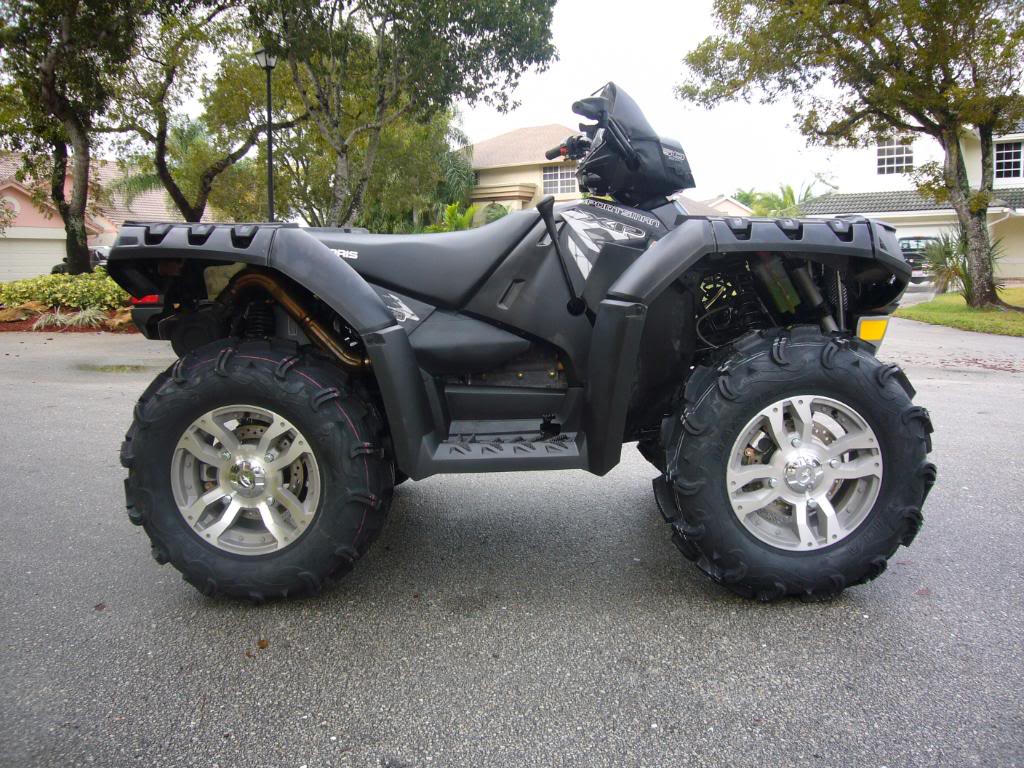
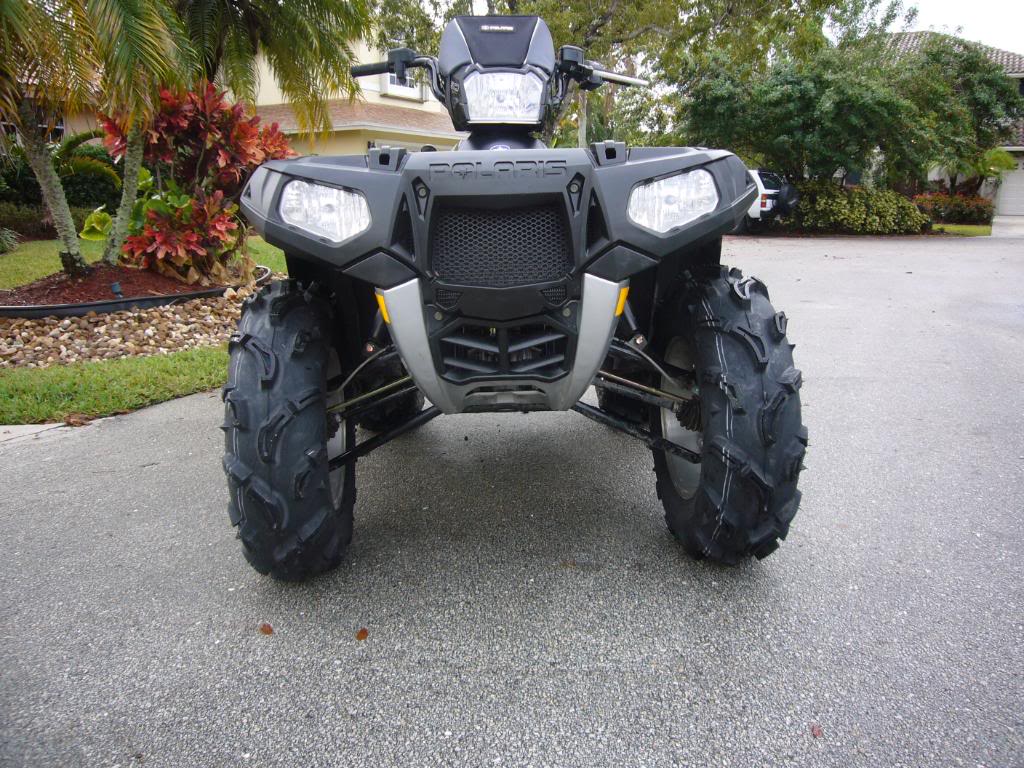
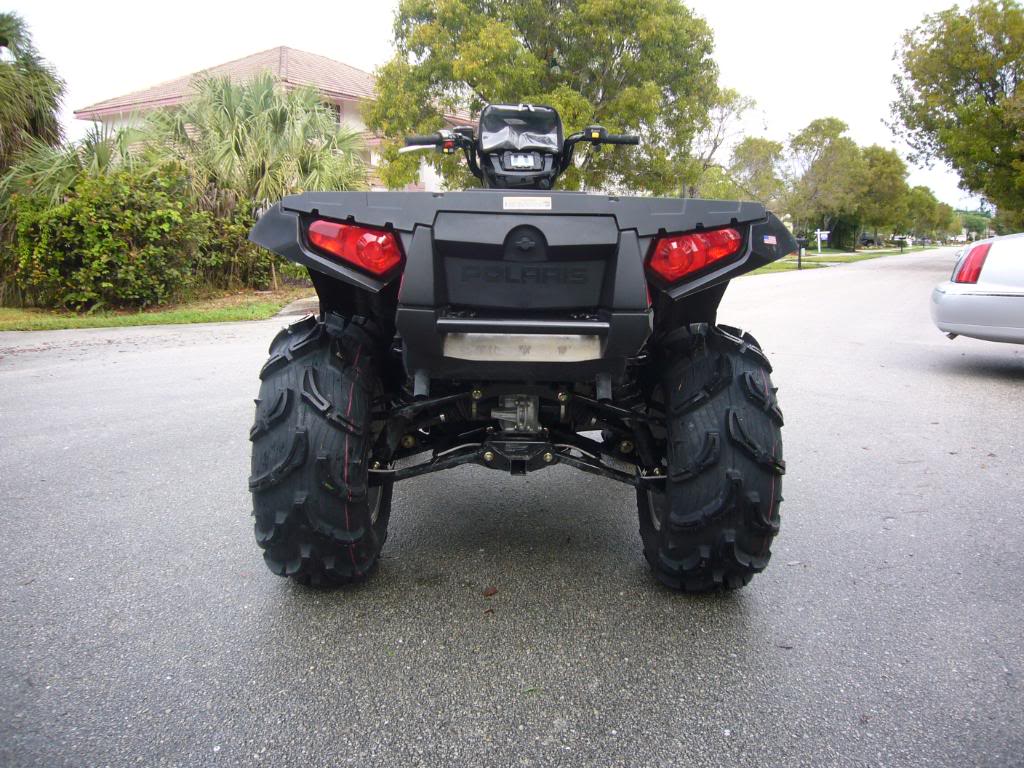
Looking good man! Same tires I got on mine. How do you like them so far? I love mine.
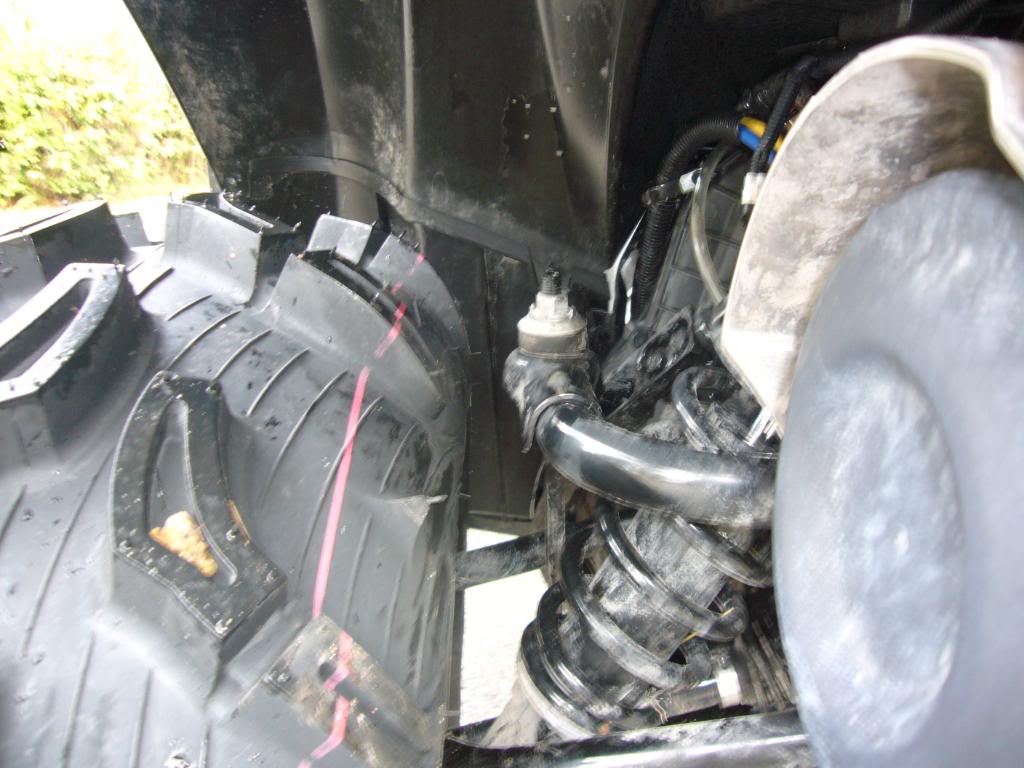
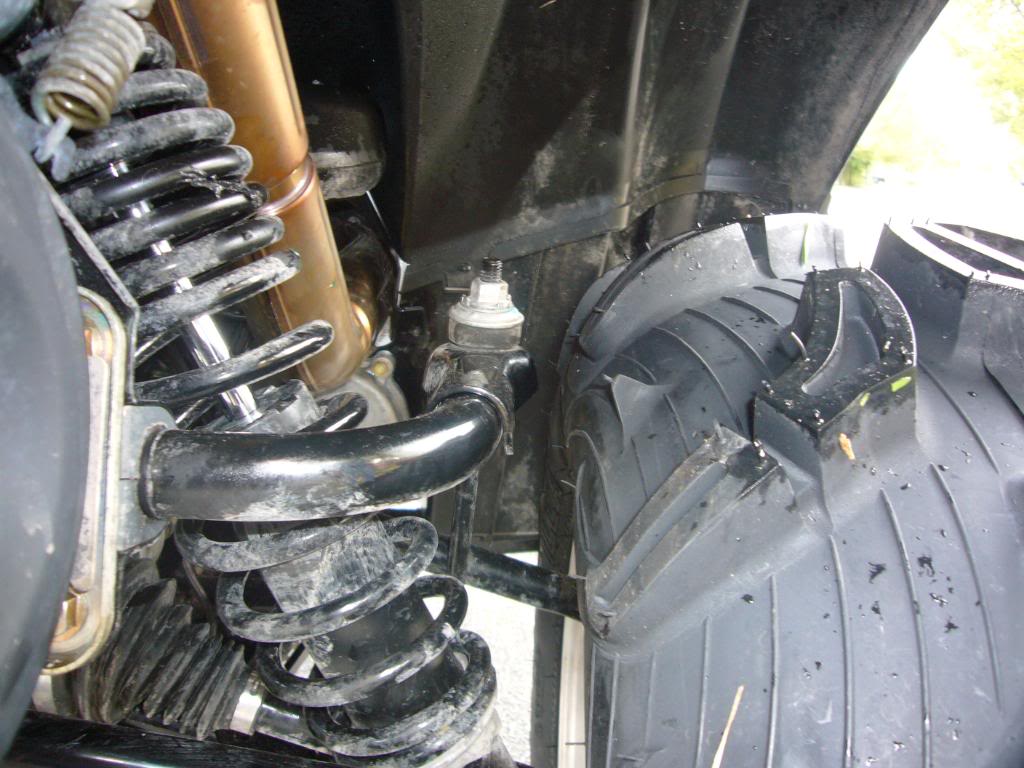
Did you bend the swaybar to get the clearance? Anyways, awesome looking setup, the only thing that you're missing is tons of mud on it!!!
Did you bend the swaybar to get the clearance? Anyways, awesome looking setup, the only thing that you're missing is tons of mud on it!!!